



Computers & Internet
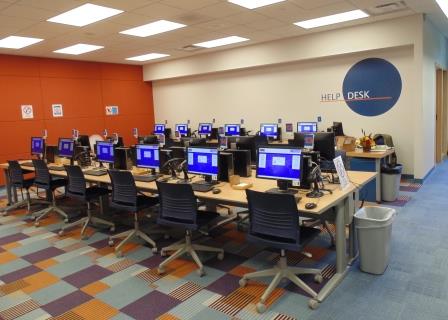
Catalog Computers are located throughout the library to allow finding of library materials. Public computers on both floors with
Available in the computer lab on the upper level and computer area on the lower level.
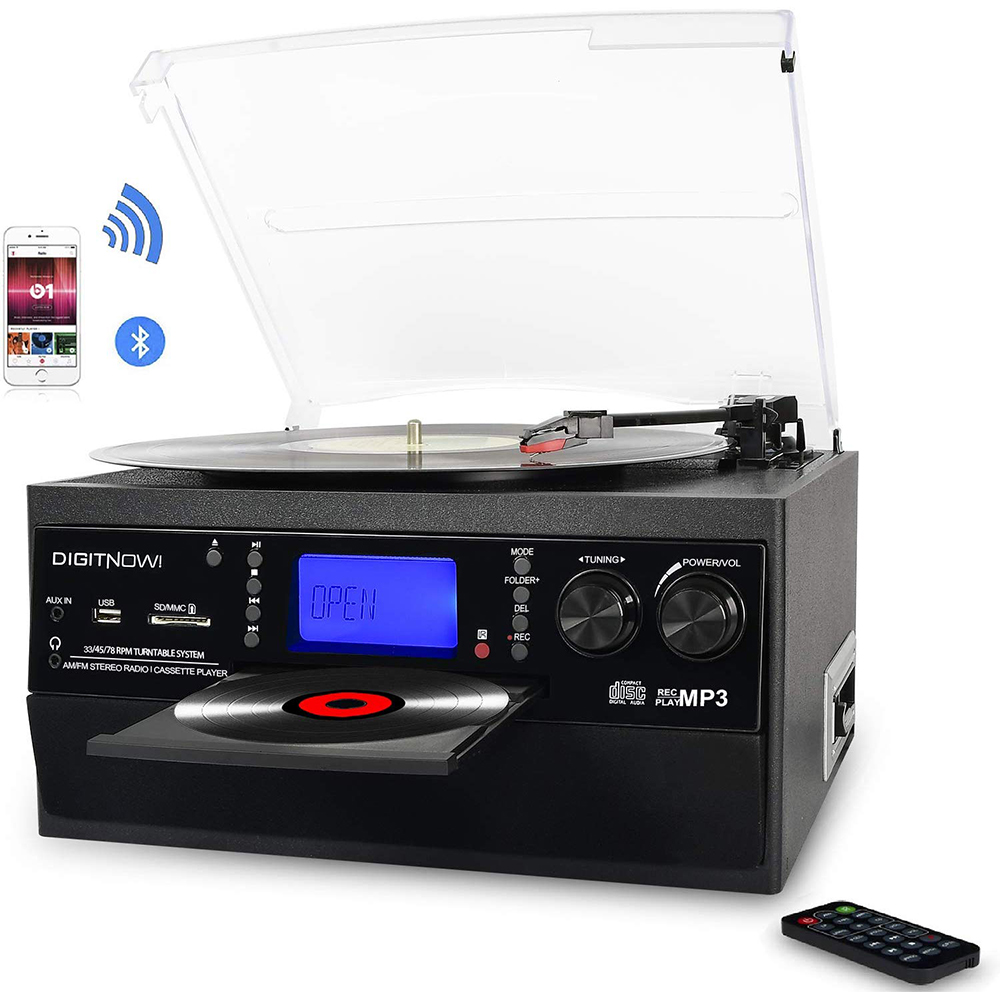
DigitNow! Record Player, Cassette, Music CD
Want to digitize your records or cassettes? This device can record from a record or cassette to a USB drive or SD card. This device does not need to be connected to a computer. It just needs a USB drive or SD card. USB drives are available for purchase at the Information Desk. If you want to edit your recording we have Audacity on one of the digitization computers.
Available in the computer lab on the upper level.
Reservations Recommended – Call the Information Desk 517.546.0720 x106 to create a 4 hour reservation to ensure availability of equipment. Reservations can be made up to two weeks in advance of your visit. Drop Ins are also available but equipment might be in use or reserved.
Staff will hold your photo id until device is returned.
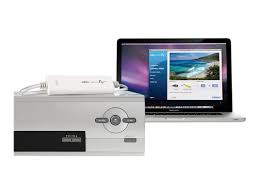
Elgato Video Capture
We have a computer setup with this video capture device that can be connected to a VCR or a camcorder. The video formats that can be captured by this device are VHS, VHS-C, Video 8, Hi8, Digital 8 and MiniDV. This software for this device allows trimming of the recording before saving. If you want to do more editing we have video editing software on one of the digitization computers.
Available in the computer lab on the upper level.
Reservations Recommended – Call the Information Desk 517.546.0720 x106 to create a 4 hour reservation to ensure availability of equipment. Reservations can be made up to two weeks in advance of your visit. Drop Ins are also available but equipment might be in use or reserved.
Staff will hold your photo id until device is returned.
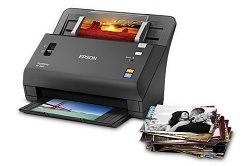
Epson Fastfoto Photo Scanner
Scan thousands of photos as fast as 1 photo per second at 300 dpi, and batch-scans up to 35 photos at a time. It is also document scanner with character recognition which converts scanned images into readable text. Can scan photos, documents, thicker photos (such as polaroid) and panoramic photos at 300dpi or 600dpi as a JPG or TIFF. The computer that is connected to this device has GIMP and Windows Paint 3D photo editing software.
Available in the computer lab on the upper level.
Reservations Recommended – Call the Information Desk 517.546.0720 x106 to create a 4 hour reservation to ensure availability of equipment. Reservations can be made up to two weeks in advance of your visit. Drop Ins are also available but equipment might be in use or reserved.
Faxing
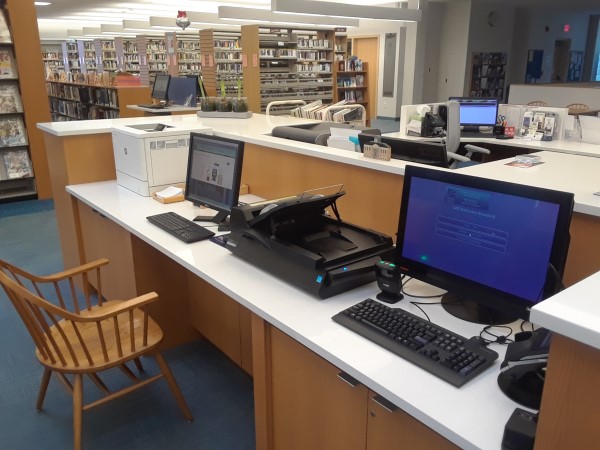
$0Cost per page0Max Pages per FaxThe Library Document Station (LDS) allows for faxing a maximum of 20 pages per fax to only US or Canada. To fax, use the LDS Scan to Fax feature. Ask at the Computer Help Desk or the Information Desk for assistance.
Payment Information
Available behind the Information Desk.
Kodak Slide N Scan Digital Film Scanner
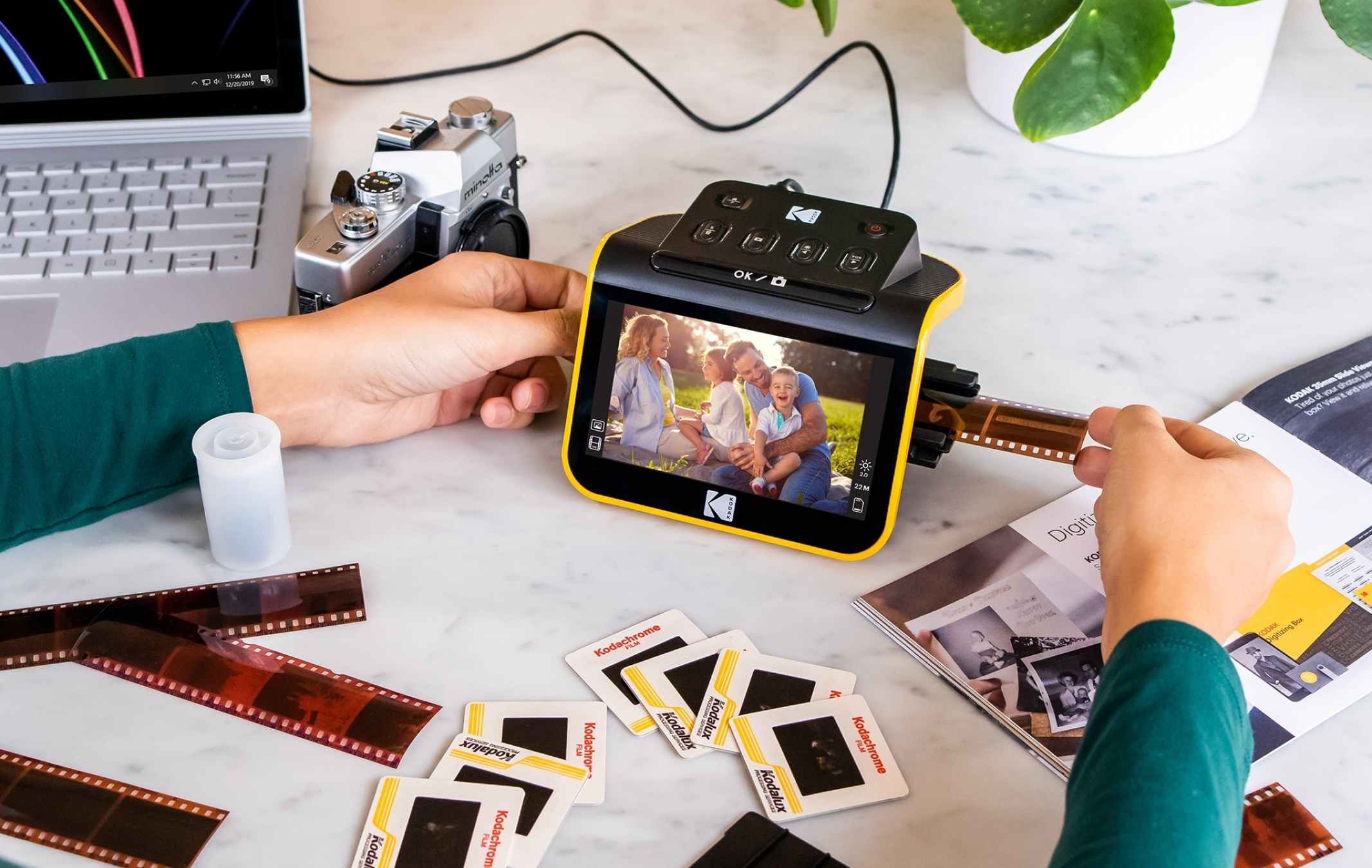
Scan color and B&W negatives (135, 110, 126) and 50mm slides (135, 110,126). Once completed with scanning download to the connected computer and transfer to a USB/email/cloud service. This device does not need to be connected to a computer until ready to download. If you want to edit your scans we have a computer that has GIMP and Windows Paint 3D photo editing software.
Available in the computer lab on the upper level.
Reservations Recommended – Call the Information Desk 517.546.0720 x106 to create a 4 hour reservation to ensure availability of equipment. Reservations can be made up to two weeks in advance of your visit. Drop Ins are also available but equipment might be in use or reserved.
Staff will hold your photo id until device is returned.
Low Vision Video Magnifier
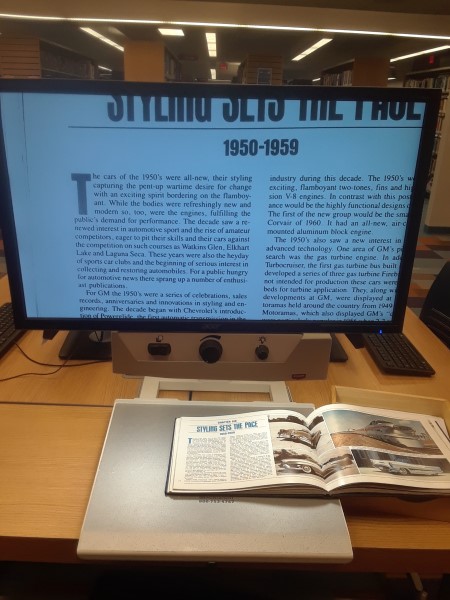
Internet Computer area has a Low Vision Video Magnifier for the Visually Impaired. It has controls for viewing mode, magnification and brightness. The viewing mode allows for full color, black on white, white on black, yellow on blue, yellow on black and green on black. The table is adjustable in both front to back and side to side directions.
Located in the computer lab on the upper level.
Mobile Printing
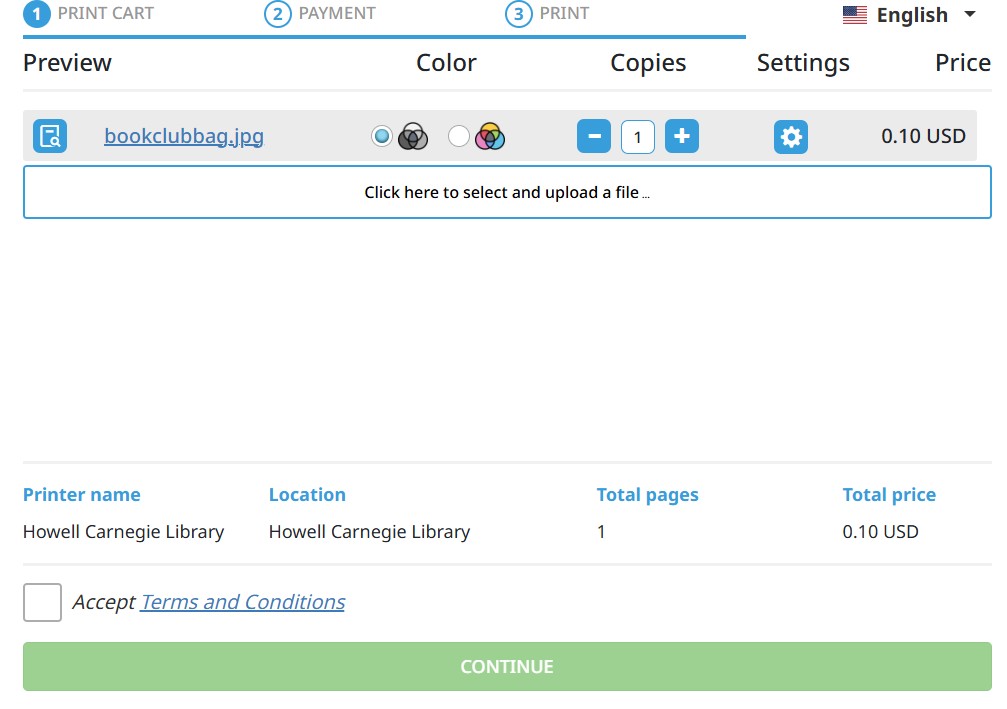
Mobile printing is provided through the Princh service. This service allows printing of documents or images from your Internet connected PC or mobile device to one of our library printers. See Printing for the details of costs and how to release your mobile print jobs when at the library. There are 3 ways to send documents or images to this service.
- Use the Princh website and fill out the form and submit.
- Install the Princh app on your mobile device and use the app to send files to the Princh service. (Only available on mobile devices)
- To print an email message or attachment, simply forward your email to. Email forwarding is ideal for online email portals such as Yahoo!, Hotmail or GMail.
Black and White :
hcdl-bw@ewprints.com
Color Printer :
hcdl-color@ewprints.com
Black and White Double Sided :
hcdl-bw-duplex@ewprints.com
Color Printer Double Sided :
hcdl-color-duplex@ewprints.com
After sending your documents or images you will need to come to the library to release the print jobs you sent. You will use your email address to find your jobs to release from the print queue.
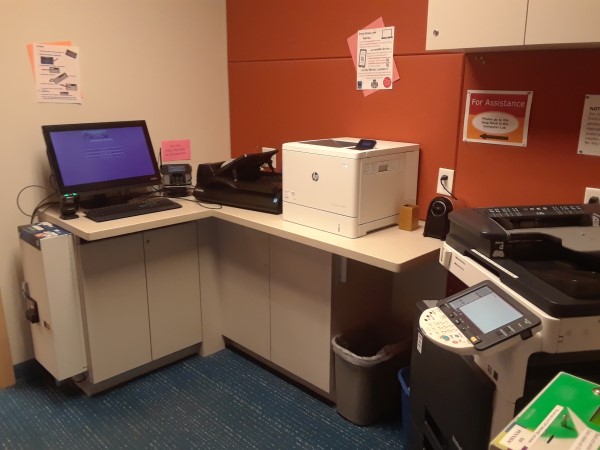
Photocopying
$0BW Cost Per Side$0Color Cost Per SideAsk at the Computer Help Desk for assistance.
Payment Information
Available in the Copy/Print Room.
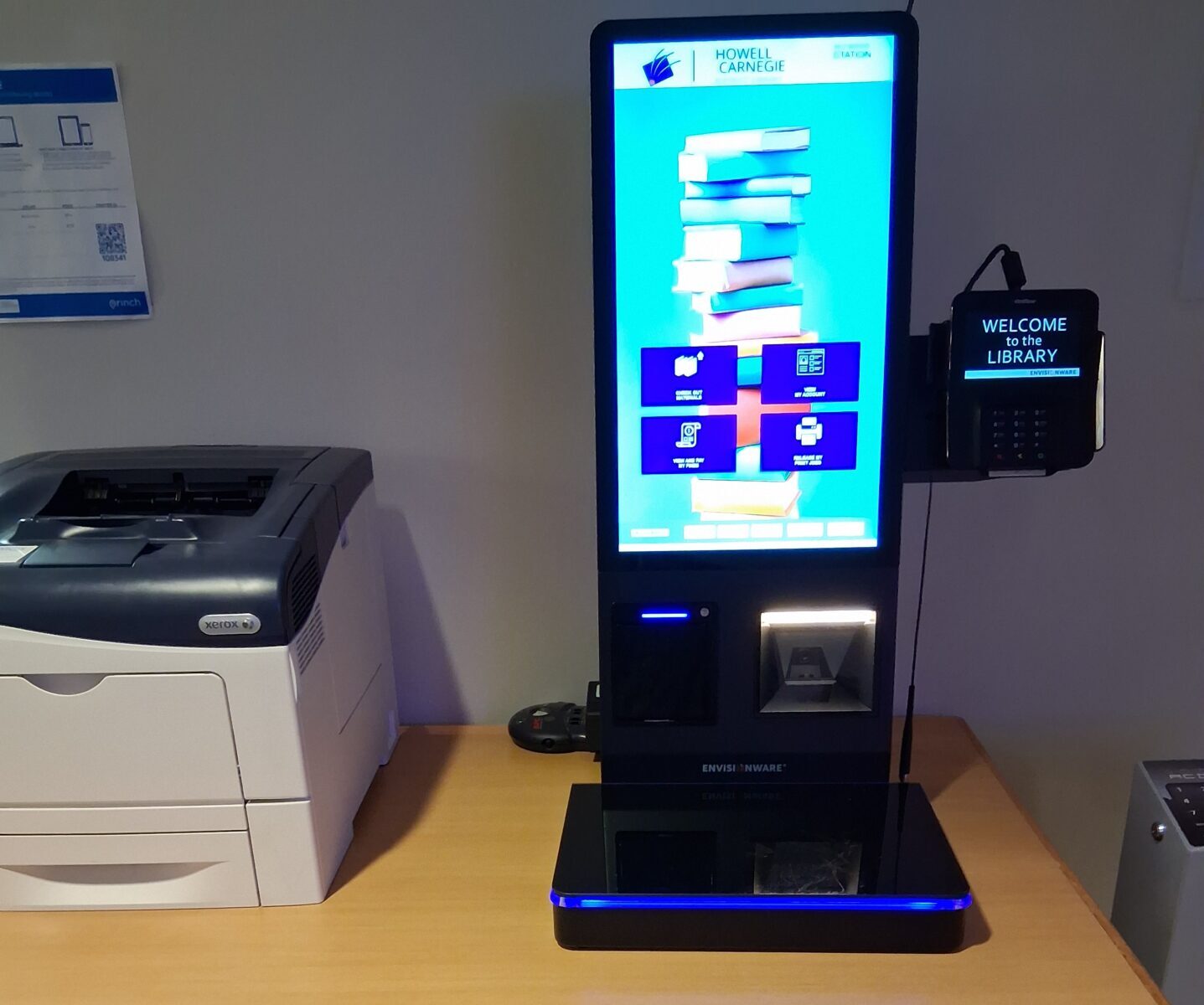
Printing
$0BW Cost Per Side$0Color Cost Per SideUse either of the Library Document Stations (LDS) or Youth self check to release print jobs sent to the library’s print queue. Ask at the Computer Help Desk, the Information Desk, or the Youth Services Desk for assistance.
Payment Information
Available in the Copy/Print Room, behind the Information desk, or at the Youth Services self check-out machine.
Scanning
There is a paper feed for multiple page scanning.
Available in the Copy/Print Room or behind the Information Desk.
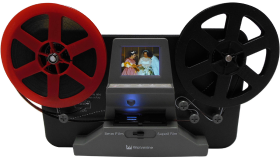
Wolverine Film2Digital Moviemaker Pro
Transform 8mm and Super 8 film into modern digital video with the Film2Digital MovieMaker Pro 8mm and Super 8 Converter. It uses a 3.53MP 1/3″ CMOS sensor to create detailed Full HD 1080p video at 20 fps by scanning the film frame by frame. This converter works with a variety of reel types up to 9″ in size and offers both automatic and manual exposure. It roughly takes 1 hour to record 100 feet of film. This device does not need to be connected to a computer until ready to download. If you want to edit your recording we have video editing software on one of the digitization computers.
Estimated Times:
- 50ft/3in reel – record time ~30 minutes, running time ~3:20
- 200ft/5in reel – record time ~2 hours, running time ~13:20
- 400ft/7in reel – record time ~4 hours, running time ~26:40
Available in the computer lab on the upper level.
Reservations Recommended – Call the Information Desk 517.546.0720 x106 to create a 4 hour reservation to ensure availability of equipment. Reservations can be made up to two weeks in advance of your visit. Drop Ins are also available but equipment might be in use or reserved.
Staff will hold your photo id until device is returned.
Technology


